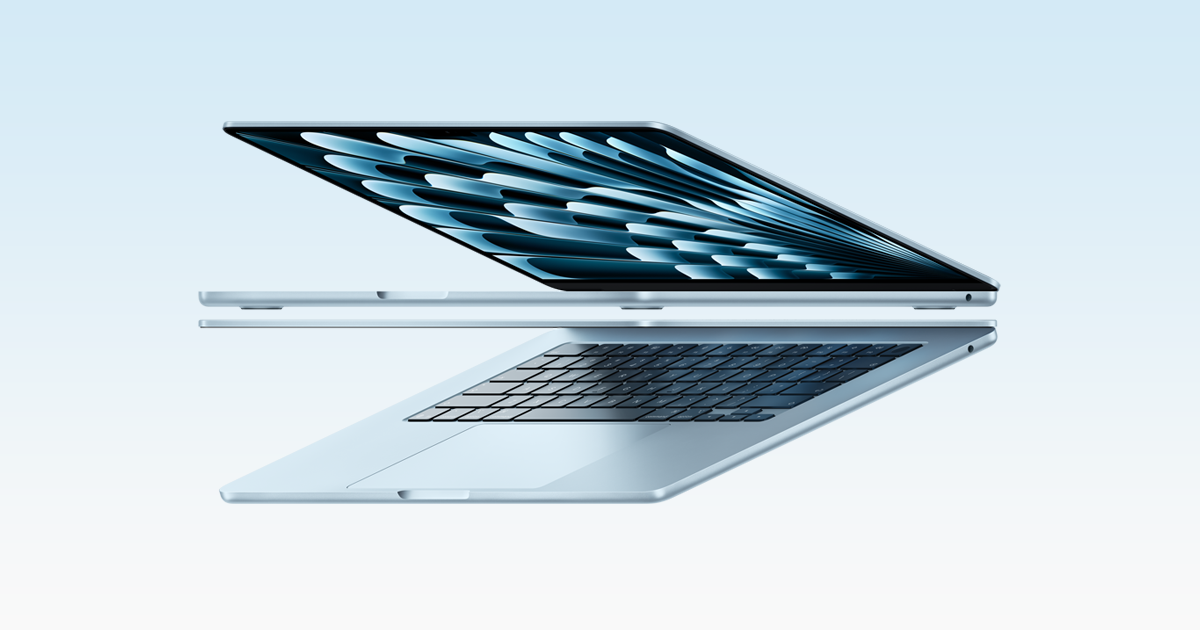
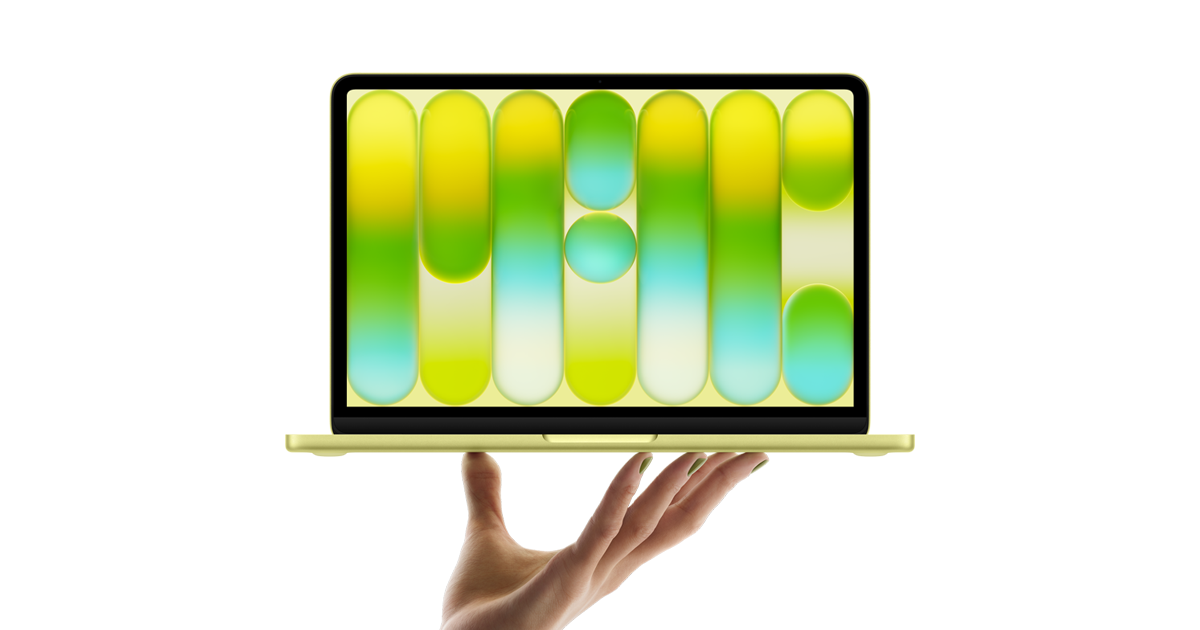


Apple MacBook Air M5
Best for Most PeopleOur take
Tom's Hardware and Engadget both put it at the top of their 2026 guides.
Pros
- Completely silent because there is no fan
- Fast enough for light video editing and even some games
- Build quality and speakers are excellent
- Memory starts at a comfortable amount
Cons
- Only two USB-C ports
- The 60 Hz screen is not as smooth as rivals
- Design has barely changed since the 2022 model
Full review
The MacBook Air M5 is the laptop we would recommend to most people, and the 2026 guides we compared agree. Engadget names it its best laptop overall and Tom's Hardware does the same, praising a combination that is hard to beat: it is thin, light, fast and completely silent, because the M5 chip needs no fan. Day to day, what stands out is how little you have to think about it. Engadget describes it as fast enough for light video editing and notes that it ran a demanding game at 60 frames per second at 1080p, which is a surprising amount of headroom for a fanless machine. Apple quotes up to 18 hours of video playback, and the reviews we read confirm that battery life is a strength. The 16 GB of memory it starts with also removes the biggest worry that held earlier base models back. The screen is sharp and bright for office work, photos and video, although it remains a 60 Hz panel, so it feels less fluid than some rivals when scrolling. The built-in speakers are strong for a laptop this thin, and the keyboard and trackpad are among the best around. At 1.23 kg it slips into a bag without effort. It is not perfect. There are only two Thunderbolt 4 ports plus the magnetic charging connector, so if you use several accessories you will want a small hub. The overall design is essentially the one introduced with the M2 model, which means nothing here will surprise you visually, but it also means a proven, reliable chassis. Who is it for? Students, professionals, travellers and anyone who wants a laptop that simply works for years. If you rely on Windows-only software it is not the answer, but for general computing, creative work and long days away from a socket, this is the safest choice on the list. The buy button leads to the 13.6-inch model; the 15-inch size also exists if you want a larger screen.
